Restaurant Instagram Bio Ideas That Turn Profile Visits Into Reservations
- Use four lines: what you serve, where you are, when you’re open, and one action.
- Set one link, one action button, and 4–6 highlights; test three versions without spending money.
- Fix common mistakes, match your posts to the bio, and review monthly using profile visits, link taps, DMs, and bookings.
Use the four-line bio formula that turns profile visits into reservations
For restaurant instagram bio ideas, start with four lines guests can scan in five seconds: what you serve, where you are, when you’re open, and one action.
Line 1 sells the craving: wood-fired pizza, cinnamon rolls, tacos, natural wine bar, smash burgers. Line 2 is neighborhood + city. Line 3 is hours or “See today’s hours.” Line 4 is Reserve, Order, View menu, Book a table, or Find the truck. Time: 20–40 minutes. Cost: $0 unless you hire a copywriter ($50–$250).
Pick the bio type that matches how guests buy from you
The best Instagram bio for a restaurant depends on how customers buy from you. Pick the type that matches your main transaction, then edit the lines.
- Fine dining or reservation-led: Lead with cuisine and experience, then location, hours, and Reserve. Keep the action button on Reserve.
- Cafe: Lead with the signature item or daily ritual, then neighborhood, hours, and Order pickup or See menu. Keep the address obvious for walk-ins.
- Bar: Lead with atmosphere or drink program, then neighborhood, hours, and Book a table or See events. Add age policy only if local rules require it.
- Food truck: Lead with food, then Mobile + city, hours or locations, and Find today's stop. Update the location line at least weekly.
- Small chain: Lead with the brand promise, then main cities, hours, and Order online. Use a link page for locations.
If you need a landing page for orders, reservations, or locations, an existing menu page costs $0; a Nueve website starts at $39 a month on the plan with automatic publishing and Google review replies; custom sites run $500–$5,000+.
Write the name field and 150 characters for words guests search
Instagram allows 150 characters in the bio plus a searchable name field. Use plain, local words guests say, not clever slogans.
- Name field: Restaurant name + cuisine + city. Example: Rosa's Tacos | Mexican | Austin.
- Bio line 1: Cuisine, specialty, or format.
- Bio line 2: Neighborhood, city, or landmark.
- Bio line 3: Hours, or a short pointer like “See today’s hours.”
- Bio line 4: One action, repeated in the link and action button.
- Emojis: Use 2–4 as labels, not decoration. Too many reduce readability and can look less trustworthy for reservation-led restaurants.
Make the next tap obvious with one link, one button, and highlights
The bio only works if the next tap is obvious. Set one link, turn on the action button, and create four to six story highlights.
- Link: Send it to the single action you chose. If you must offer several, use a mobile-friendly link page or a restaurant website builder. Link-in-bio tools usually cost $0–$15 a month.
- Action button: Use Reserve, Order food, Book now, or View shop if available. This is free. If Reserve is your button, make sure your restaurant reservations flow works before you drive taps.
- Highlights: Menu, Hours, Location, Reservations, Specials, Reviews. Each cover should be readable at thumbnail size.
- Mobile check: If a guest cannot find the address or action in five seconds, simplify.
Time: 30–60 minutes. Native features cost $0; link tools cost $0–$15 a month.
Test three versions without spending money
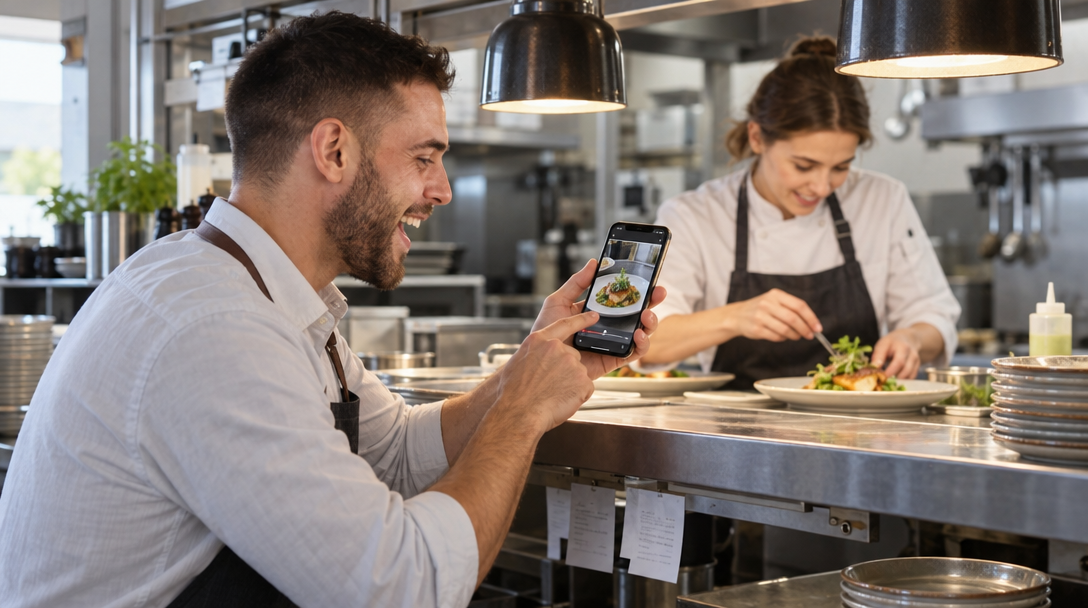
You do not need paid tools to improve a restaurant bio. Change one version at a time and watch profile visits, link taps, DMs, and reservations.
- Version A, location first: Specialty, neighborhood, hours, action. Best for cafes, bakeries, and walk-in restaurants.
- Version B, action first: Cuisine, Reserve or Order, location, hours. Best for reservation-led or delivery-heavy businesses.
- Version C, story first: One-line identity, signature item, location, hours, action. Best for bars and brands with a strong point of view.
Run each version for one to two weeks. Time: 10–15 minutes a week. Cost: $0. Judge by profile visits, link taps, website clicks, DMs, and bookings, not likes.
Fix the bio mistakes that lose you calls and covers
Most weak restaurant bios fail for the same reasons. Fix these before you add more design.
- No location: Guests should not have to open a map app to learn your neighborhood or city.
- No hours or outdated hours: This creates calls, DMs, and lost visits. Update holiday hours the day they change.
- Vague call to action: “DM us” is weaker than Reserve, Order pickup, or See menu unless DMs are your actual ordering system.
- Dead or slow link: Test the link monthly on mobile data, not just office Wi-Fi.
- Too many emojis or symbols: They hide the words that matter in search and scanning.
- Clever but unclear: A slogan may win a laugh, but it rarely tells a hungry stranger what you sell.
- Set-and-forget: Seasonal menus, new hours, and changed booking links break the profile.
A broken link for a month can waste every profile visit you earned.
Make your bio, menu, posts, and photos match
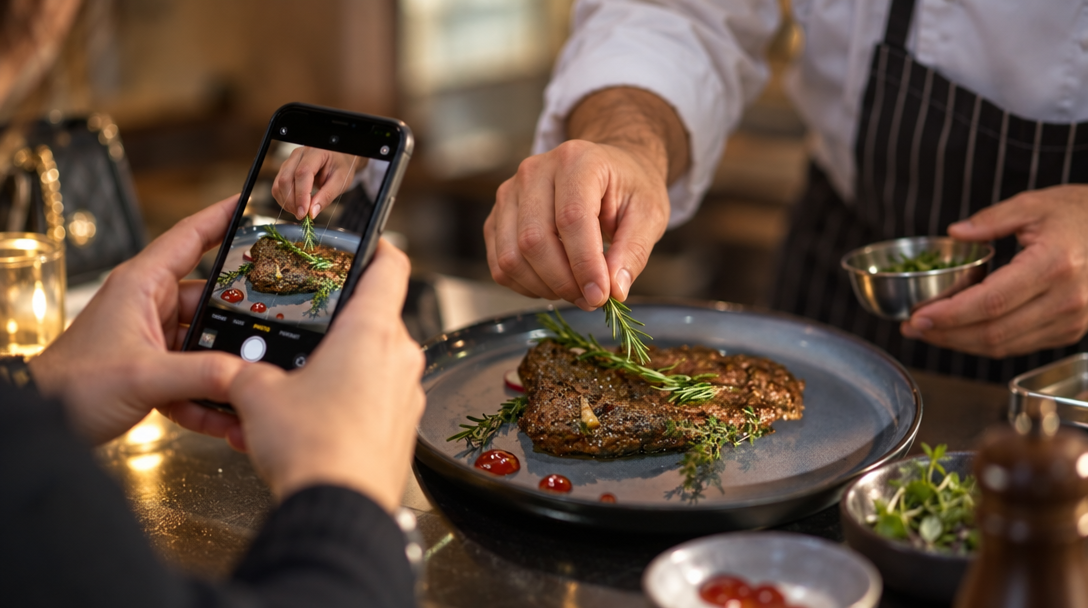
A bio is a promise, and the grid has to keep it. If the bio says natural wine and small plates, the first nine posts should show natural wine and small plates.
- Pin three posts: A signature dish, the room or truck, and a review or press mention. This gives new visitors proof in one scroll.
- Use the same voice: If the bio is warm and plain, captions should be warm and plain. Restaurant Instagram Captions has a practical owner's guide.
- Keep highlights current: Replace old menus and expired specials. For reviews, restaurant review management keeps replies current.
- Fill gaps from your menu and photos: Nueve can create social posts, photos, carousels, and short videos from your menu and photos, plan them on a calendar, and send them to TikTok for one-tap publishing. Plans start at $9 a month; automatic publishing, website, and Google review replies start at $39 a month, with a 7-day free trial on the first subscription.
This matters because the bio gets the tap; the posts and highlights get the booking.
Copy these restaurant bio examples for cafes, bars, trucks, and bakeries
These restaurant Instagram bio examples are starting points. Replace the details with yours and keep each line short enough to read on a phone.
- Neighborhood cafe: Small-batch coffee and morning pastries. Capitol Hill, Seattle. Open daily 7–3. Order ahead.
- Reservation-led restaurant: Coastal Italian, handmade pasta. North Beach, San Francisco. Tue–Sun 5–10. Reserve a table.
- Food truck: Smash burgers and crinkle fries. Mobile in Austin. Tue–Fri 11–2, weekends at Barton Springs. Find today's stop.
- Bar: Natural wine, amari and snacks. Logan Square, Chicago. Wed–Sun 4–12. See events and book.
- Bakery: Sourdough, croissants and cake by the slice. Greenpoint, Brooklyn. Wed–Sun 8–2. Preorder pickup.
A good result: a first-time visitor can answer what you serve, where you are, when you are open, and how to act in under five seconds.
Track monthly and refresh the bio before every season
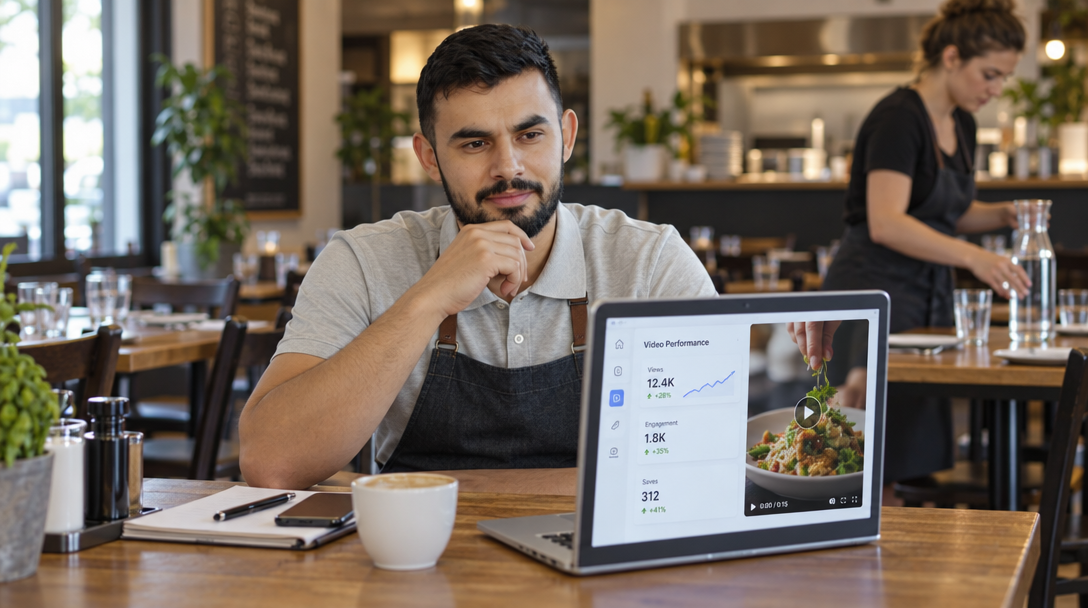
Review the bio monthly and after any operational change. Use Instagram Insights, your booking or order data, and restaurant analytics.
- Profile visits: More people opening the profile after a post or story is a positive sign.
- Link taps: Visitors taking the one action you chose is the next signal.
- DMs and calls: Repeated questions show what the bio or highlights should answer.
- Bookings or orders: If link taps rise but bookings do not, fix the landing page, not the bio.
- Seasonal refresh: Update hours, menu highlights, and the action when the business changes.
Time: 15 minutes a month. Cost: $0 unless you use paid link or design tools. For more profile and grid habits, see Instagram for restaurants. The bio is the front door to every profile visit.
FAQ
What should a restaurant put in its Instagram bio?
A restaurant should put what it serves, where it is, when it is open, and one clear action in its Instagram bio. Add dietary options, signature items or booking details only if they fit the 150-character limit. Keep the name field as restaurant name, cuisine and city.
How often should a restaurant update its Instagram bio?
Update the bio whenever hours, location, menu focus or the booking link changes, and review it at least once a month. Seasonal hours and holiday closures should be changed the same day they take effect. A stale bio creates avoidable DMs and lost visits.
Can a restaurant use emojis in its Instagram bio?
Yes, but use two to four emojis as labels rather than decoration. They can help guests scan the bio faster on a phone. Too many emojis can make a reservation-led restaurant look less trustworthy.
What is the best link for a restaurant Instagram bio?
The best link sends guests to the single action that matters most: reservations, online ordering, or the menu. If you need several actions, use a mobile-friendly link page or website page with clear buttons. Test the link monthly on a phone using mobile data.
Do Instagram bio keywords help local search?
Yes, keywords such as cuisine, neighborhood and city help Instagram search and can support local discovery. Put the most important words in the name field and the first line of the bio. Write naturally and avoid stuffing every possible term.