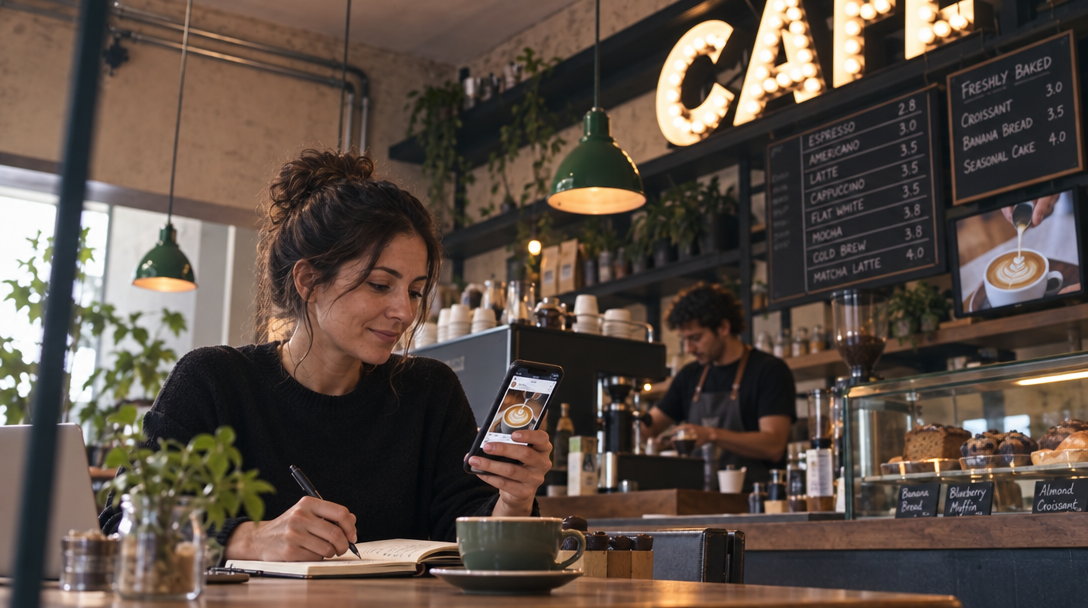
Cafe social posts: your repeatable weekly plan
- Rotate eight content ideas from your menu, prep, staff, regulars, specials, neighborhood, reviews, and menu education.
- Batch shoot once a week, then schedule three to five posts and reuse the shoot across TikTok, Reels, Stories, Google, and your website.
- Reply within 24 hours and track saves, shares, profile visits, and direction requests after 60 to 90 days.
Use eight content ideas you can rotate
These are the cafe social media content ideas I'd rotate every week. They come from what you already make and do, so they work for coffee shops, bakeries, bars, and food trucks.
- Signature drink or dish close-up: one hero item with taste and price.
- Behind-the-counter prep: 10–20 seconds of steaming milk, pulling espresso, or icing pastries.
- Staff pick or owner note: a team member holding their favorite item.
- Customer favorite: a regular order, table shot, or review quote.
- Limited-time special: today's soup, weekend brunch, happy hour, or seasonal drink.
- Local tie-in: a nearby market, park, office crowd, or event.
- Review reply or social proof: a review comment with your thank-you reply.
- Menu education: what's in a drink, how to order it, or what pairs with it.
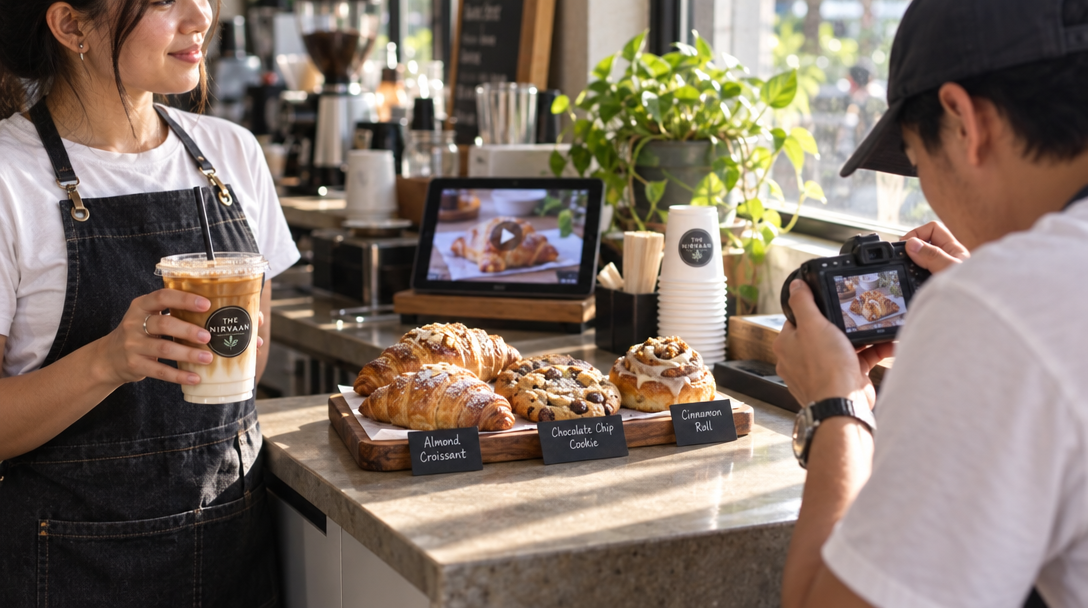
Audit your menu, photos, and reviews in 30 minutes
Before you make anything new, list what you already have. Open your menu, phone camera roll, Google Business Profile, and last 20 reviews. Mark the 10 best sellers, 5 highest-margin items, and 3 items people ask about most. Pull usable photos and review quotes into one folder. This makes your restaurant social media content match what customers already want. It costs no money and usually takes 30 minutes.
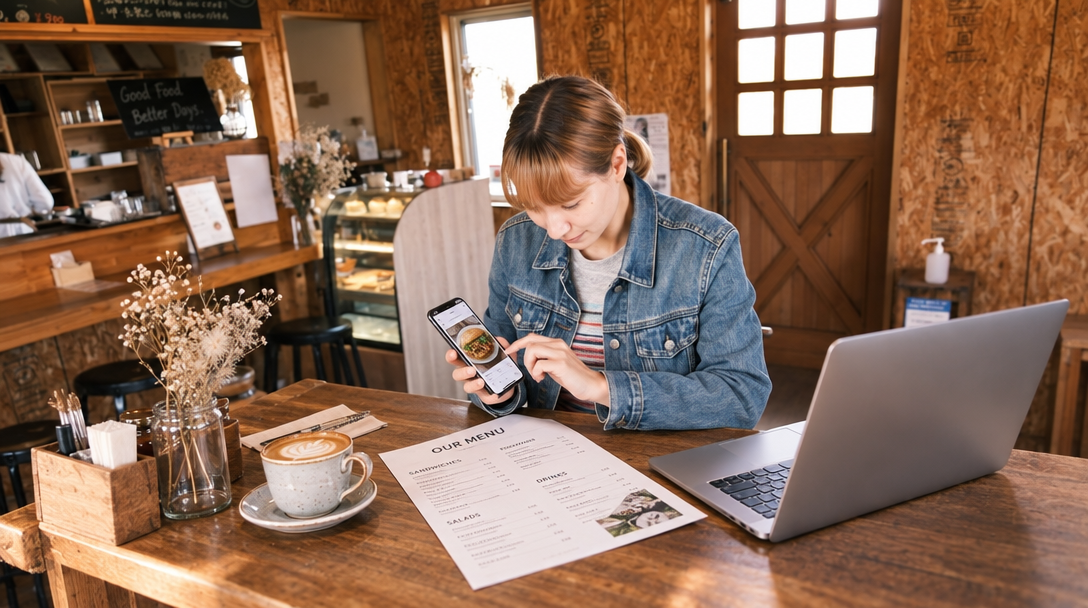
Pick four to six things you post about most
Pillars are the categories you post about most. Pick four to six from the eight ideas so your feed feels consistent without getting boring. A coffee shop might choose signature drinks, barista craft, regulars, and local neighborhood. A bakery might choose daily bakes, behind the oven, custom orders, and staff picks. Write them down; that is your coffee shop social media plan in one line. If a post fits no pillar, skip it. Need more restaurant post ideas? Pull from your pillars.
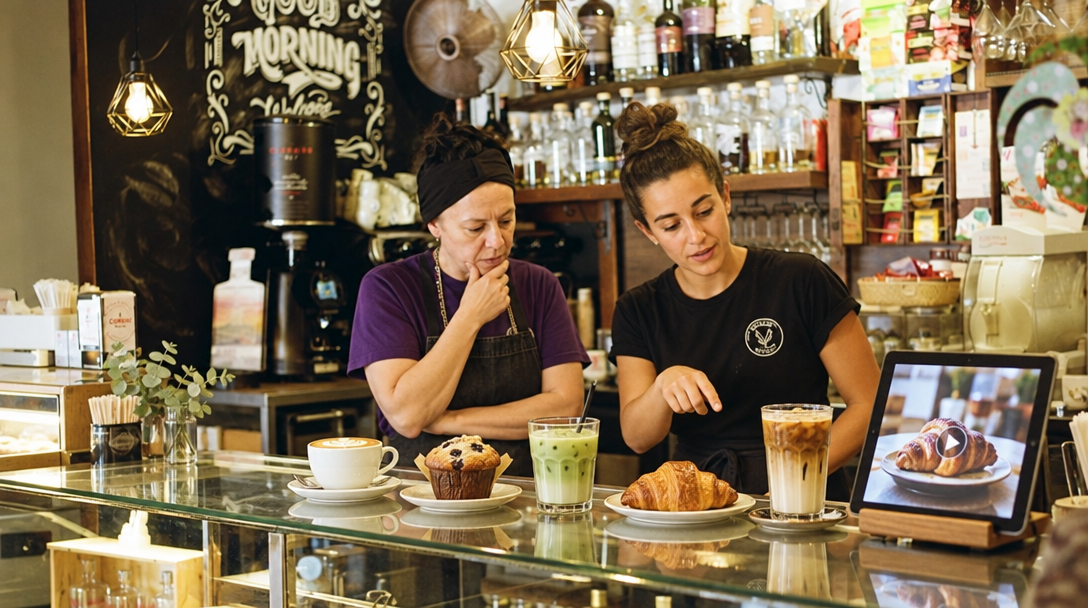
Batch shoot once a week in 45 to 90 minutes
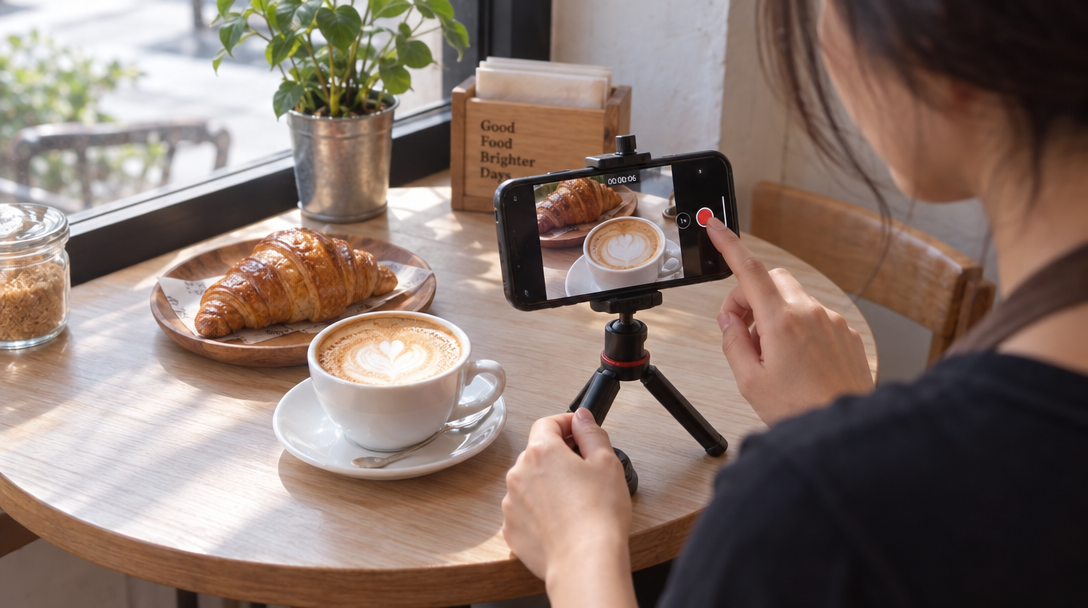
Pick one quiet shift and shoot 10 to 15 pieces at once. Use a phone, a window for daylight, and a small tripod or stack of cups. Shoot vertical 9:16 video for TikTok and Reels. Capture five close-ups, five prep clips, three staff or customer moments, and two wide shots of the room or counter. Keep clips short. Save these as your cafe TikTok ideas for busy weeks, or get more TikTok for restaurants formats. A photographer costs about $150 to $500 for a half-day.
Write captions that tell people what to do
Every caption needs three parts: what the item is, why it matters, and one clear action. For example: New lavender oat latte, lightly sweet and made with local honey. Available this week only. Tap the direction button and come before 2 p.m. Keep the first line specific. Add your neighborhood and city. Use one call to action: visit, order, save, share, or book. If writing every day slows you down, AI for restaurants can draft captions from your menu and photos.
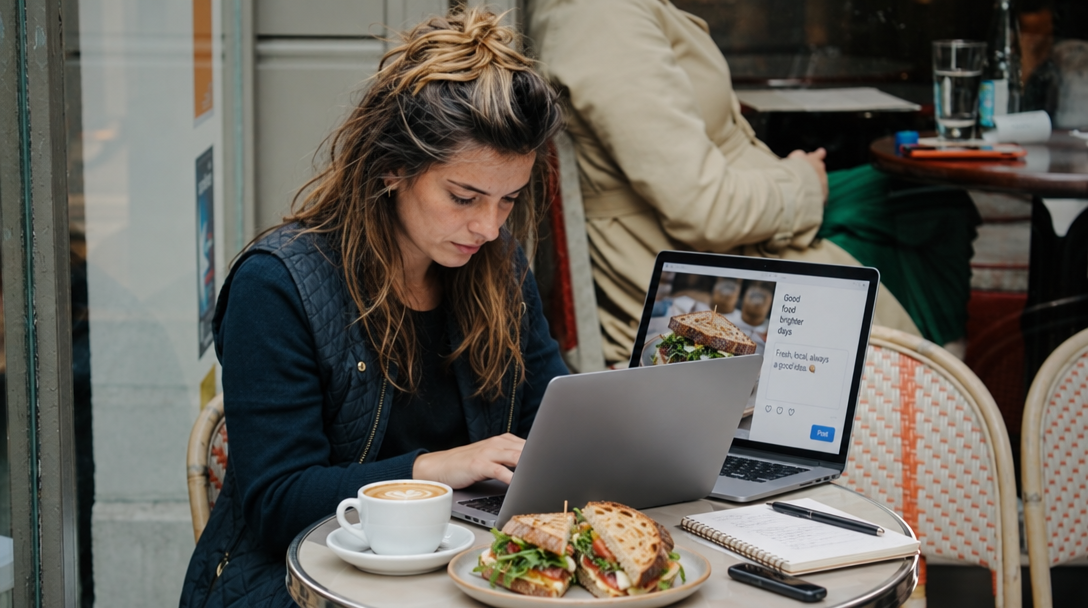
Schedule three to five posts a week
Most independent cafes see steady results with three to five feed posts a week plus daily Stories. Use a cafe content calendar so you are not deciding at 7 a.m. what to post. A simple restaurant social media posting schedule is Monday menu education, Wednesday behind-the-counter, Friday special or event, Saturday customer favorite, Sunday local neighborhood. Post when slow hours need a push, not only when you are closed. Batch scheduling takes 20 to 30 minutes once photos and captions are ready.
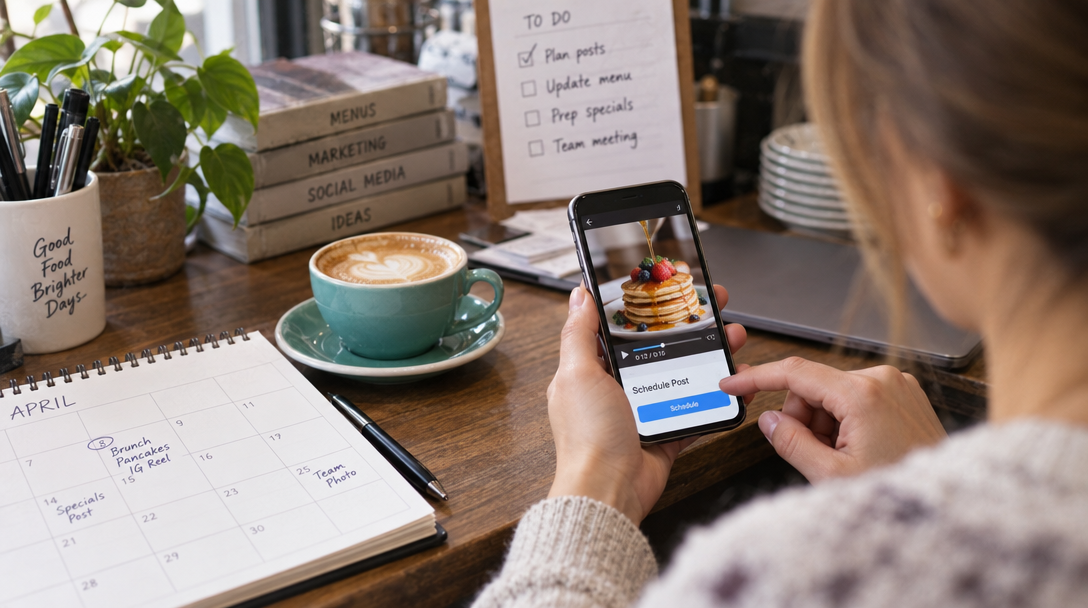
Reuse one shoot across every platform
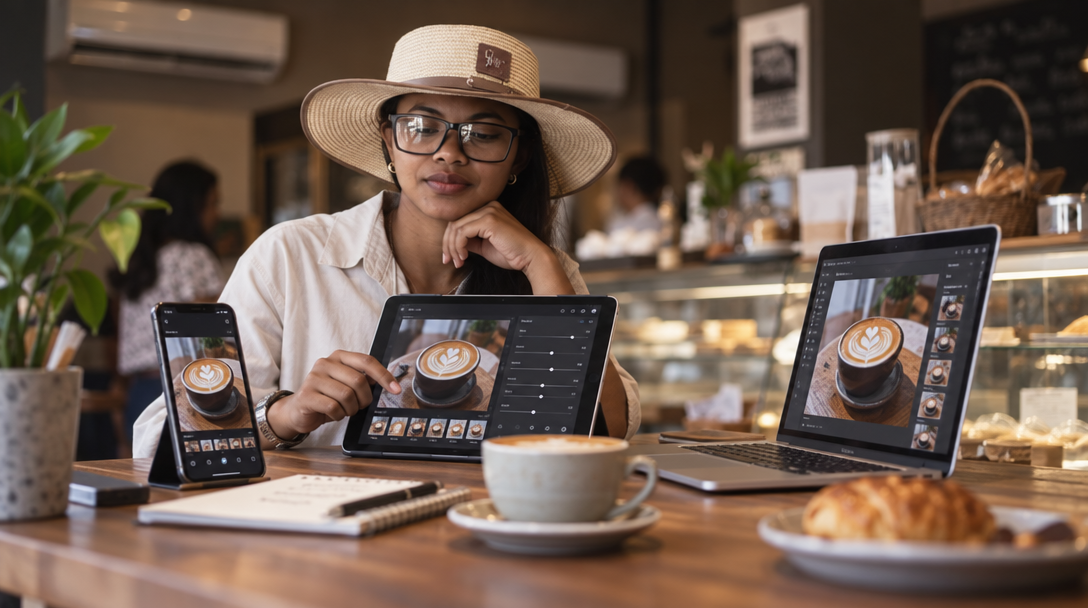
Do not create from zero for every platform. From one weekly shoot, make a TikTok or Reel, a carousel of three to five photos, two Stories with polls or countdowns, one Google Business Profile update, and one website or blog image. Turn that shoot into restaurant social media posts for all your channels. Nueve can create posts, photos, carousels, and short videos from your menu and photos, plan them, and send them to TikTok; you make each post public in one tap.
Reply to comments and reviews within 24 hours
Social media is not only broadcasting. Reply to comments with a short, human answer. Thank reviewers by name when possible. For Google reviews, reply to positive and negative feedback without arguing. Ten to fifteen minutes a day is enough for most single-location cafes. It builds trust and gives you content ideas because customers tell you what they noticed. Nueve can suggest replies to Google reviews, which helps with review management.
What it costs in time and money
A do-it-yourself system usually takes two to four hours a week at first, then one to two hours once you have a batch routine. Costs depend on what you already own.
- Phone and daylight: $0.
- Tripod, clip-on lens, or small light: $20 to $75 one time.
- Editing or scheduling apps: $0 to $30 per month.
- AI marketing app: Nueve plans start at $9 per month with a 7-day free trial in 7 languages.
- Freelance social media help: $300 to $1,500 per month for a small local cafe.
- Photographer or videographer: $150 to $500 for a half-day, higher in major cities.
The main cost driver is whether you batch, reuse, and schedule, or create one post at a time and burn out.

Mistakes that waste your effort
Common mistakes include posting only when you have a discount, using stock photos that do not show your actual food, ignoring comments for days, copying trends that have nothing to do with your cafe, and shooting too many items in one session so nothing gets posted. Another mistake is treating every platform as separate. Reuse the same shoot in different formats instead.

What a good result looks like after 60 to 90 days
A good result is not viral fame. It is a steady pattern: three to five posts per week, saves and shares on menu items, more profile visits and direction requests, DMs asking about hours or specials, and a few customers mentioning they saw a post. You should also spend less time per post than in week one. Track profile visits, saves, shares, and Google Business Profile direction requests. Nueve also gives a score of your online visibility across Google, social media, website, photos, and reviews, with tips to improve it.
FAQ
How often should a cafe post on social media?
Most independent cafes do well with three to five feed posts per week plus Stories on most days. The exact number matters less than consistency and rotating content types. If you are short on time, start with three posts per week and batch them in one shoot.
What should a cafe post if it has no professional photos?
Start with your phone, natural window light, and the items you already sell. Shoot close-ups of three bestsellers, one prep clip, and one staff pick. That is enough for a week of posts.
How much time does cafe social media take each week?
A simple system takes one to two hours per week after the first month, plus 10 to 15 minutes a day for comments and reviews. The first batch shoot may take 45 to 90 minutes. Tools like Nueve can reduce writing and planning time by creating posts, photos, carousels, and short videos from your menu and photos.
Can I reuse one video on TikTok, Instagram, and my website?
Yes. Shoot vertical video and use it on TikTok and Reels, then cut it into Stories and use stills for a carousel or Google post. One weekly shoot can produce a full week of content. Nueve can plan the posts on a calendar and send them to your TikTok, where you make each post public in one tap.
Do I need to reply to every comment and review?
You do not need to write essays, but you should reply to comments and reviews within 24 hours when possible. Short, human replies build trust and give you ideas for future posts. Nueve can suggest replies to Google reviews if that step takes too long.