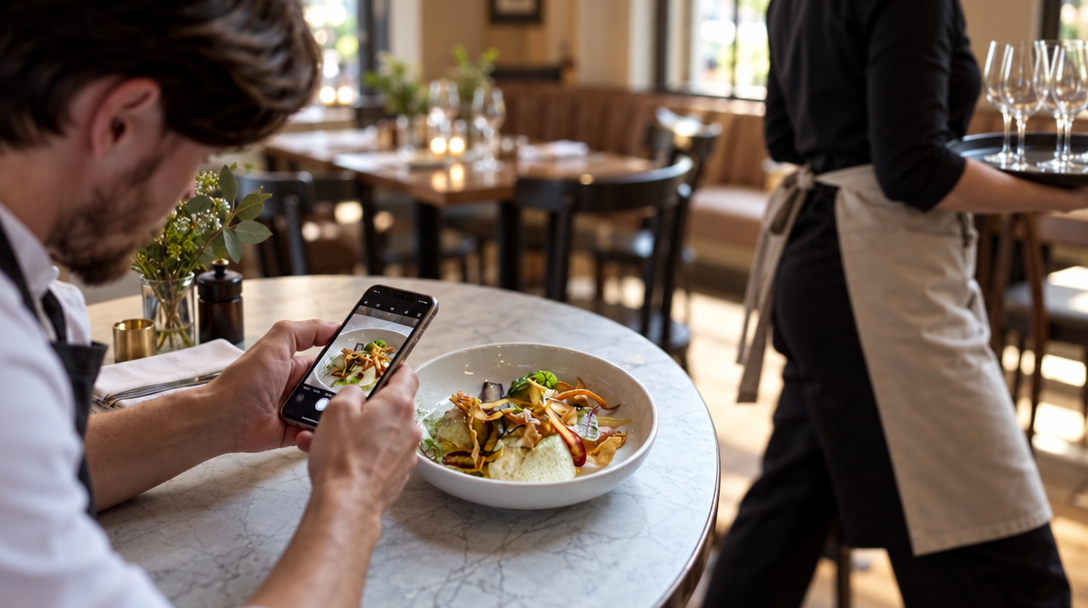
Restaurant Grand Opening Social Media Post at a Glance
- Set one measurable goal and a 30-day plan before you post.
- Shoot vertical food, room, team, and video assets; post 3–5 times a week with clear offers and fast replies.
- Boost only proven posts, protect service during opening week, and keep posting after the ribbon is cut.
Restaurant Grand Opening Social Media Post: Start With One Goal
Your restaurant grand opening social media post should turn local attention into first-week visits, not just likes. Pick one measurable goal: reservations, walk-ins, calls, or direction requests on your Google Business Profile. Write your public opening date, soft-opening dates, and the first-30-day number you want to hit.
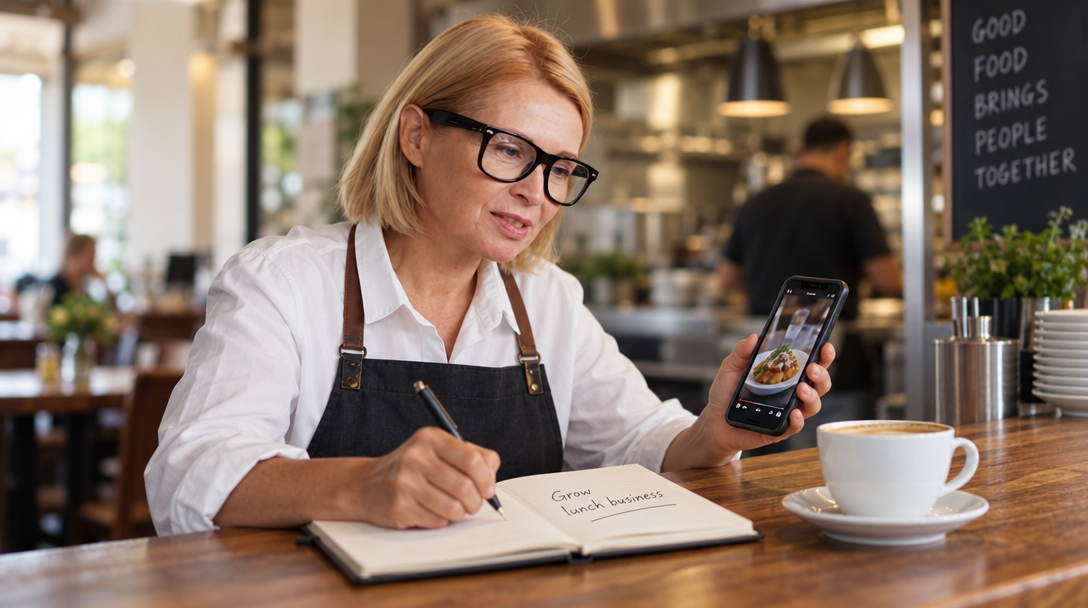
The 30 Days Before You Open
Your plan starts 30 days out. Collect menu, logo, address, hours, parking, reservation link or phone, and staff details on days 30–21; shoot on days 20–14. Use this restaurant content calendar rhythm; planning usually takes 3–5 hours:
- Days 13–7: teasers, behind-the-scenes clips, countdowns, local collaborations.
- Days 6–1: soft-opening moments, first-look videos, public opening details.
- Opening week: post daily or near-daily, reply fast, repost customer tags.
- Days 7–30: guest photos, reviews, staff picks, regular hours.
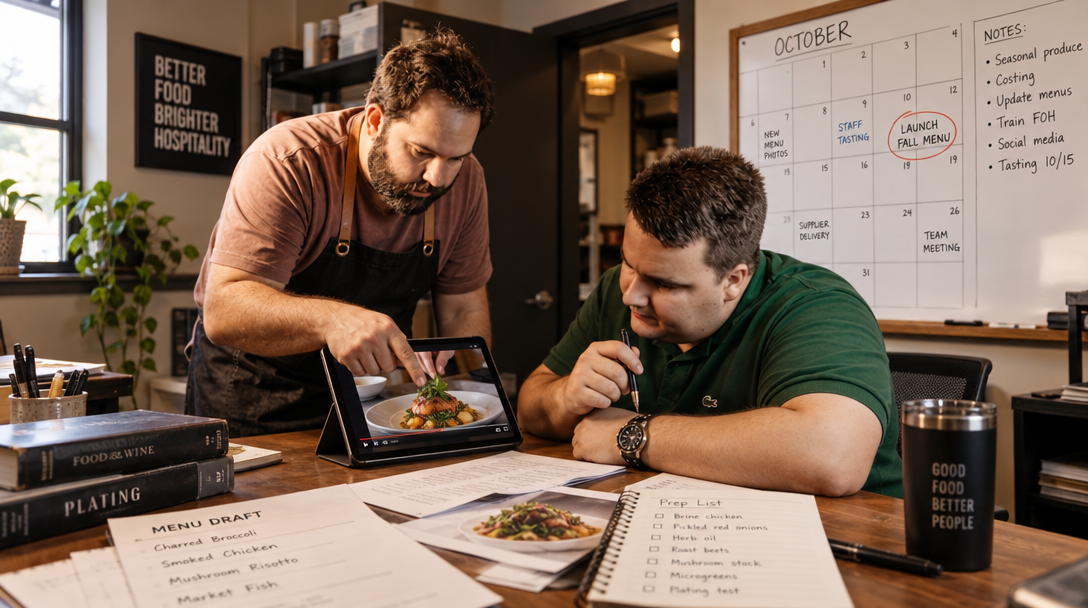
Shoot Photos and Short Videos Before You Write Captions
Before captions, shoot the assets that answer practical questions: where you are, what you serve, when you open, and how the place feels. A simple shoot takes 1–3 hours and costs $0 with a phone and natural light, or $250–$1,000+ for a local photographer or videographer. Use vertical 9:16 video for TikTok and Stories, plus horizontal or square frames for feed and Google Business Profile.
- Exterior: sign, door, street view, nearby landmark.
- Interior: wide shot, bar or counter, table setting, mood detail.
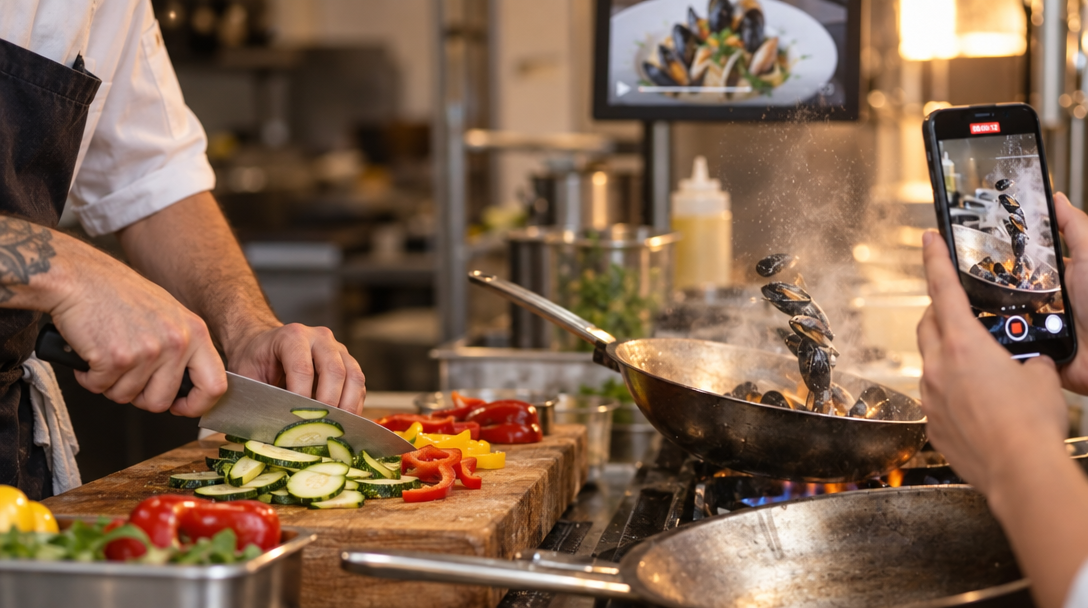
- Food: 6–10 hero dishes, drinks, specials, hands plating or pouring.
- People: owner, chef, server, baker, barista, food truck team in action.
- Video: 5–10 clips of sizzling, pouring, slicing, coffee pulling, plate landing.
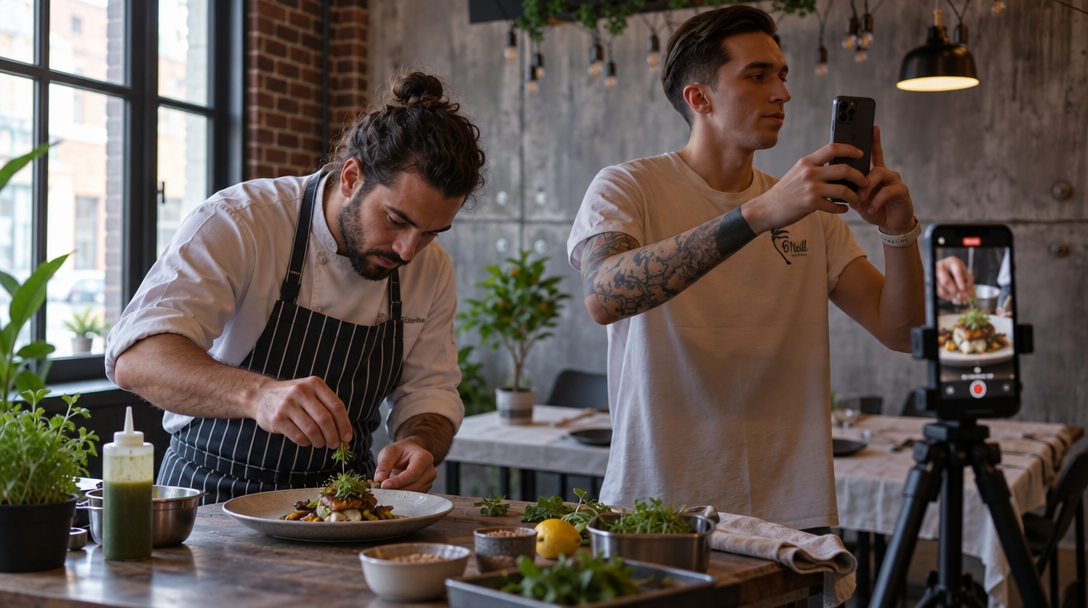
Match Your Posts to Your Type of Place
The best opening posts depend on what you sell and who is likely to walk in. Use a mix of single images, carousels, and short videos; time per post runs 10–20 minutes for a simple photo, 20–40 for a carousel, and 30–90 for a short video. For more platform-specific help, see Instagram for restaurants.
- Restaurant: carousel of 3–5 signature dishes, 10–20 second sizzle video, storefront photo with hours.
- Café or bakery: pastry case close-ups, coffee pour videos, morning routine clips, new items carousel.
- Bar: cocktail builds, bartender introductions, late-night atmosphere, happy-hour details.
- Food truck: location schedule, line-of-customers clips, specials of the day, map-style next stop.
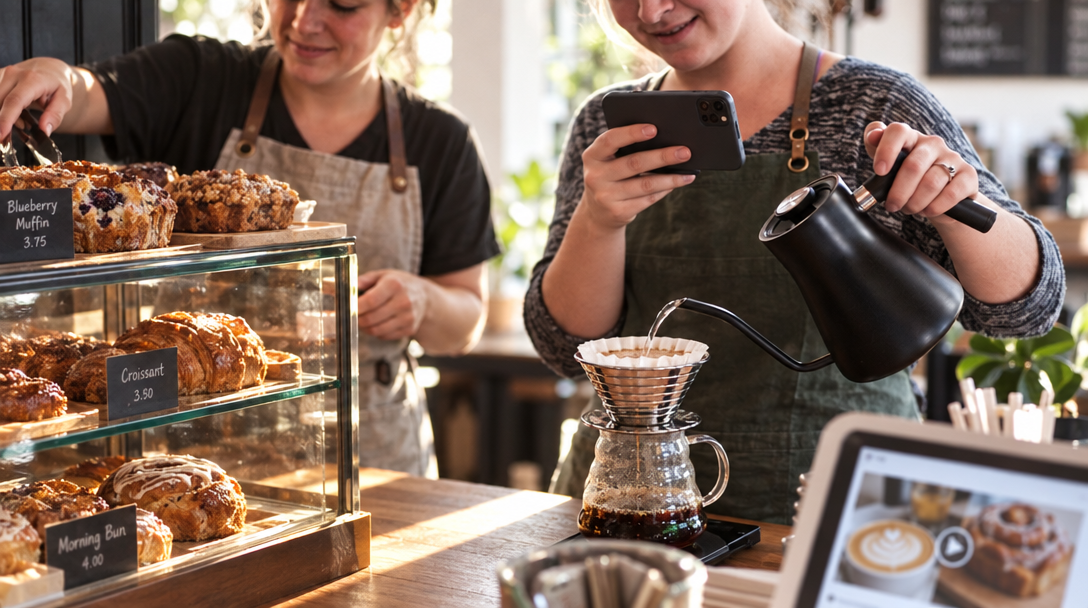
TikTok: Short Video That Travels
On TikTok, opening posts work best as short vertical video for discovery. Film sizzling, pouring, slicing, coffee pulling, or a plate landing on the table. Post 3–5 times a week before opening and daily during opening week; use TikTok restaurant ideas that work.
Captions That Give a Reason to Come Now
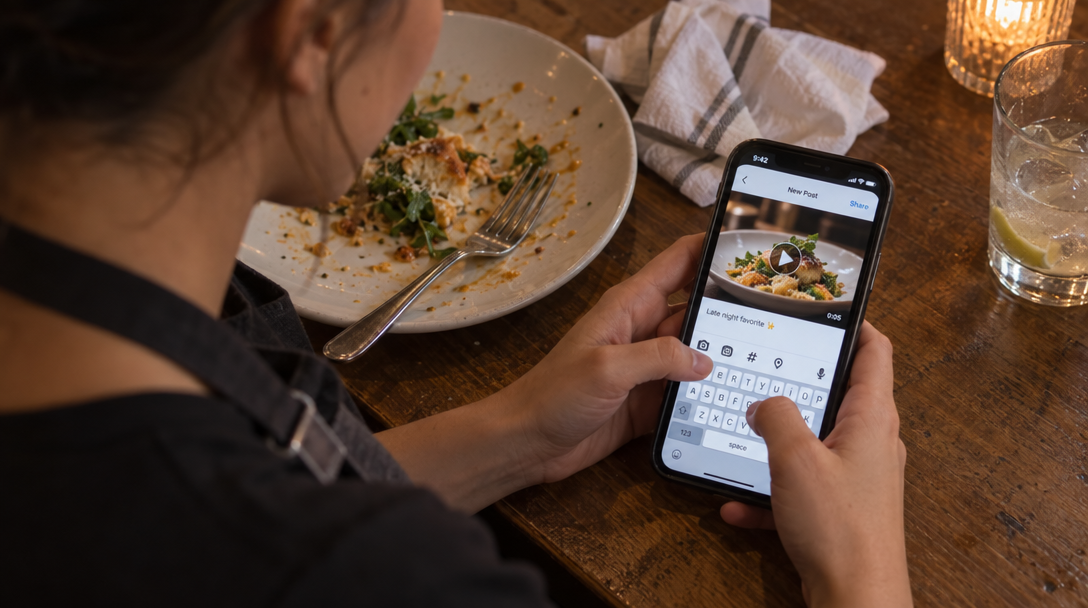
A caption should not read like a press release. Give the who, where, when, what, and next step in the first two lines, then add one clear offer or reason to visit this week. For more options, see restaurant post ideas; caption writing usually takes 15–30 minutes per post.
- Details: restaurant name, neighborhood or address, opening date, hours, parking or transit note.
- Offer: free side or drink with an entrée, fixed-price opening menu, or first-50-guests item. A 10–15% opening discount is common; food cost and average check decide what you can afford.
- Action: reserve, walk in, order pickup, follow for location updates, or save the post.
- Local proof: name a nearby street, market, park, or landmark.
Your Schedule: 3 to 5 Posts a Week
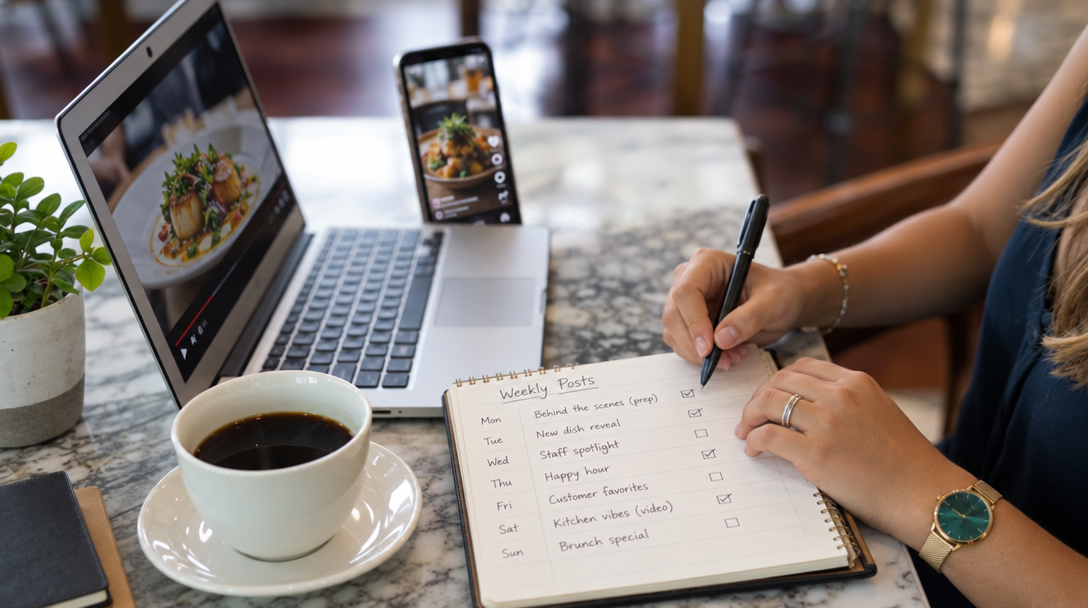
Your schedule does not need every platform. Most independent restaurants get the best reach from TikTok for discovery, Instagram for local visual proof, Facebook for events and neighborhood groups, and Google Business Profile for people already searching. Scheduling takes 30–60 minutes weekly; daily community management takes 15–30 minutes.
- Pre-opening: 3–5 posts per week across your main channels.
- Opening week: daily feed posts or short videos, plus Stories or status updates.
- After opening: 3–4 posts per week with reviews, guest tags, and staff picks.
Put a Small Paid Budget Behind Proof, Not Guesses
Paid promotion works best after an organic post shows real demand through saves, shares, comments, or messages. Do not boost every post. Choose one or two strong posts, then put money behind them for nearby people; track results with restaurant analytics.
- Budget: $10–$50 per day for 5–14 days is a common small-restaurant test.
- Audience: a 3–5 mile radius around the restaurant, plus people who match your usual diners.
- Creative: clear food shot or short video, opening date, and one action such as reserve or visit.
- Total test: $100–$700 for a local opening push.
Setup takes 1–2 hours, then 10 minutes a day to check results and reply. If a paid post gets no saves, comments, or clicks, change the creative or offer before adding more money.
Run Opening Week Without Hurting Service
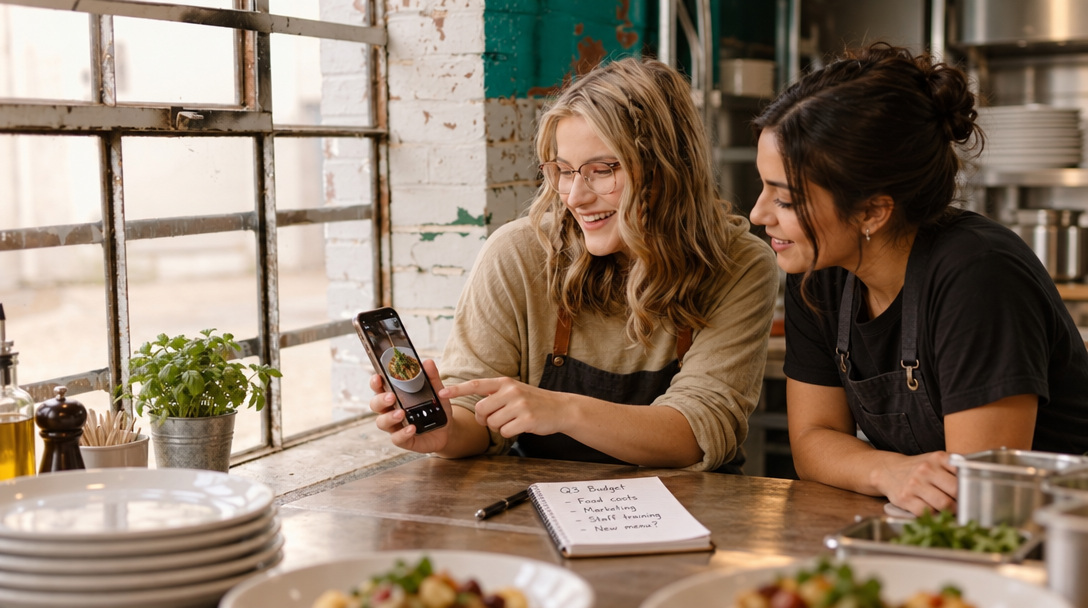
Opening week starts with service, not content. Assign one person to post and reply, and give that person 15–30 minute blocks before service, after the rush, or during a break. The owner does not have to be the only voice, but someone must own the account.
- Post from a quiet spot, not the line.
- Prepare photo captions and key details in advance.
- Reply to direct messages and comments within a few hours when possible.
- Ask staff to tell you when a dish or table looks especially good.
- Save customer tags and reviews for later posts.
Avoid Mistakes That Waste Grand Opening Effort
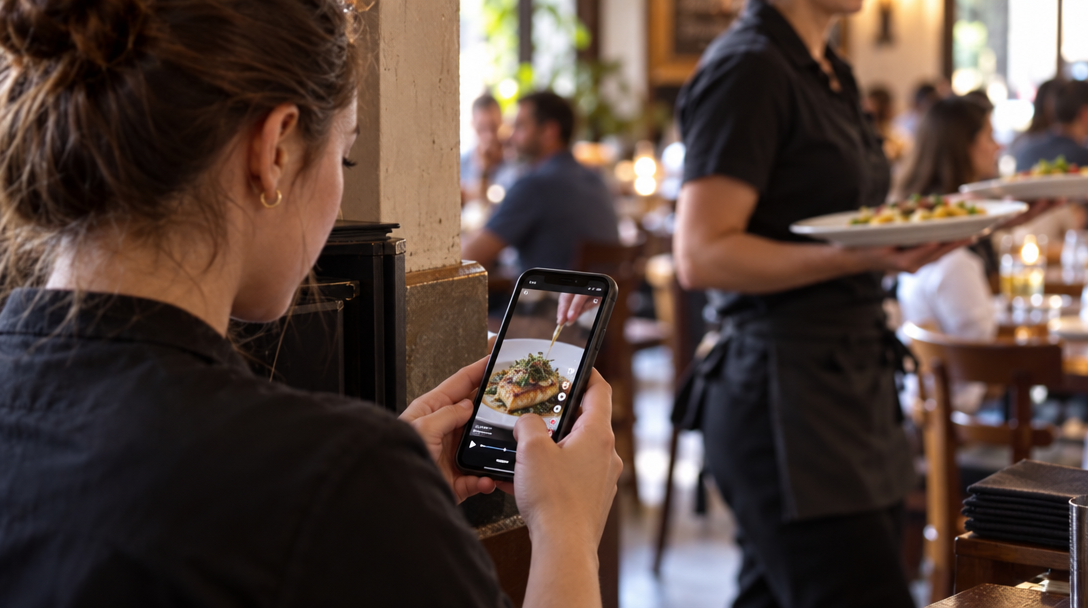
Most failed grand opening social pushes are not caused by a lack of posts. They are caused by missing details, poor assets, or no follow-through after the first week. Avoid these common mistakes:
- Posting only once that you are open, then going quiet.
- Leaving out the address, hours, or reservation details.
- Using dark, blurry, or horizontal photos where vertical video would work better.
- Running a countdown with no useful information.
- Ignoring comments and direct messages during the busiest week.
- Buying followers or engagement instead of reaching nearby diners.
- Discounting so deeply that opening week loses money.
- Deleting negative comments instead of replying calmly and taking the conversation offline.
- Forgetting to update your Google Business Profile with hours and photos.
- Stopping all posting after opening week.
What a Good Opening Looks Like
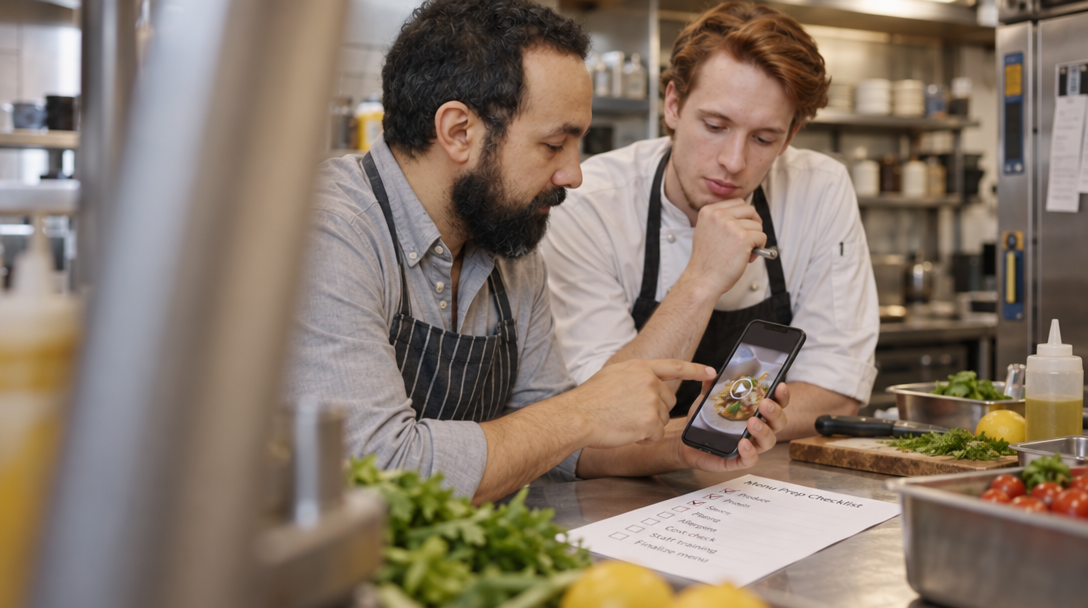
A good opening is rarely one viral video. It is a steady stream of local attention that turns into visits and then repeat customers. Watch for these signals:
- Posts go out consistently before and during opening week.
- People save, share, comment, and send direct messages asking about hours or reservations.
- Your Google Business Profile gets fresh photos, correct hours, calls, and direction requests.
- Guests tag you, and you have enough real photos and reviews to keep posting after the opening.
- You can connect some reservations, walk-ins, or pickup orders to the posts and offers you ran.
The exact numbers depend on your size, location, and concept. The pattern is what matters: attention, action, visits, and a calendar that continues after the ribbons and balloons are gone.
Where Nueve Fits If You Want It Handled
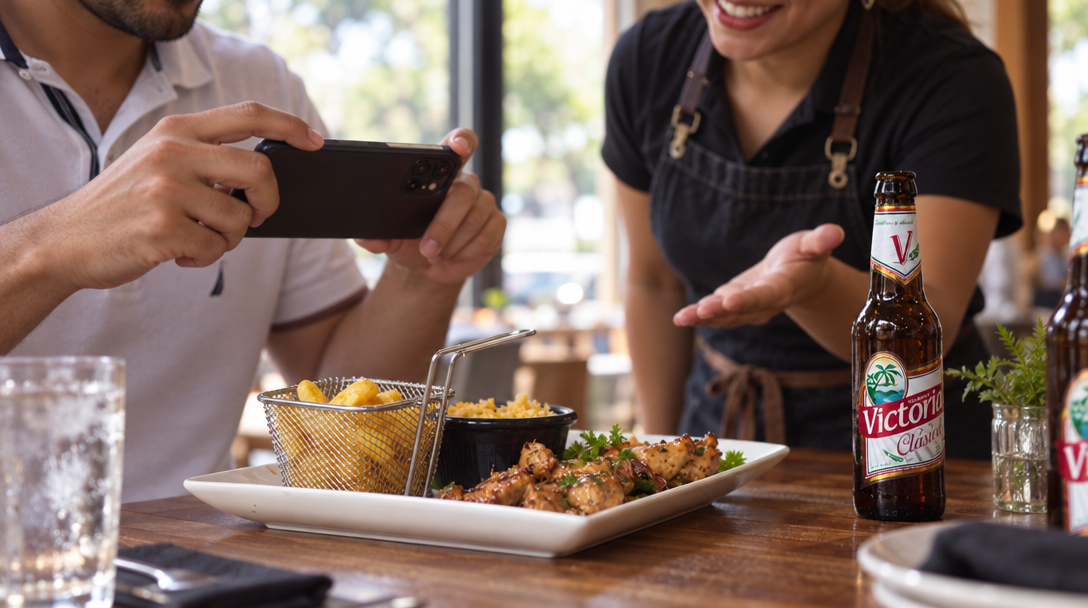
Nueve is an AI marketing app for restaurants and food businesses. From your menu and photos, it creates posts, carousels, and short videos, plans them on a calendar, and can prepare posts automatically. It sends posts to TikTok for one-tap publishing, suggests AI replies to Google reviews, scores posts, and can create a website. Plans start at $9/month with a 7-day free trial, no commitment, and works in English, French, Spanish, German, Italian, Portuguese, and Arabic. See pricing.
FAQ
How far before opening should I start posting on social media?
Start 30 days before your public opening if you can, and use the first two weeks to collect photos, menu details, hours, and staff information. If you have less time, post three to five times in the final week and daily during opening week.
What should my first restaurant grand opening social media post say?
Lead with the most useful details: restaurant name, neighborhood or address, opening date, hours, and one reason to come. Add a clear next step such as reservations, walk-ins welcome, or a specific opening-week offer.
How often should I post during grand opening week?
Aim for one feed post or short video per day and two to five stories or status updates per day if you have the material. The right number moves with your staff time and how much news you have; consistency matters more than volume.
Do I need to pay for ads to promote a restaurant grand opening?
No, organic posts and local sharing can fill an opening, especially if your food photos and details are strong. A small boost of $10–$50 per day for 5–14 days can help reach nearby people, but only put money behind a post that already gets saves, shares, or comments.
Can I schedule TikTok posts ahead of time for a grand opening?
You can prepare posts in advance and schedule them with tools, but TikTok may still require you to confirm each post before it goes public. Nueve, for example, sends posts to your TikTok account and lets you make each post public in one tap.